Craft is a sequence of decisions
The care.
Behind the craving.
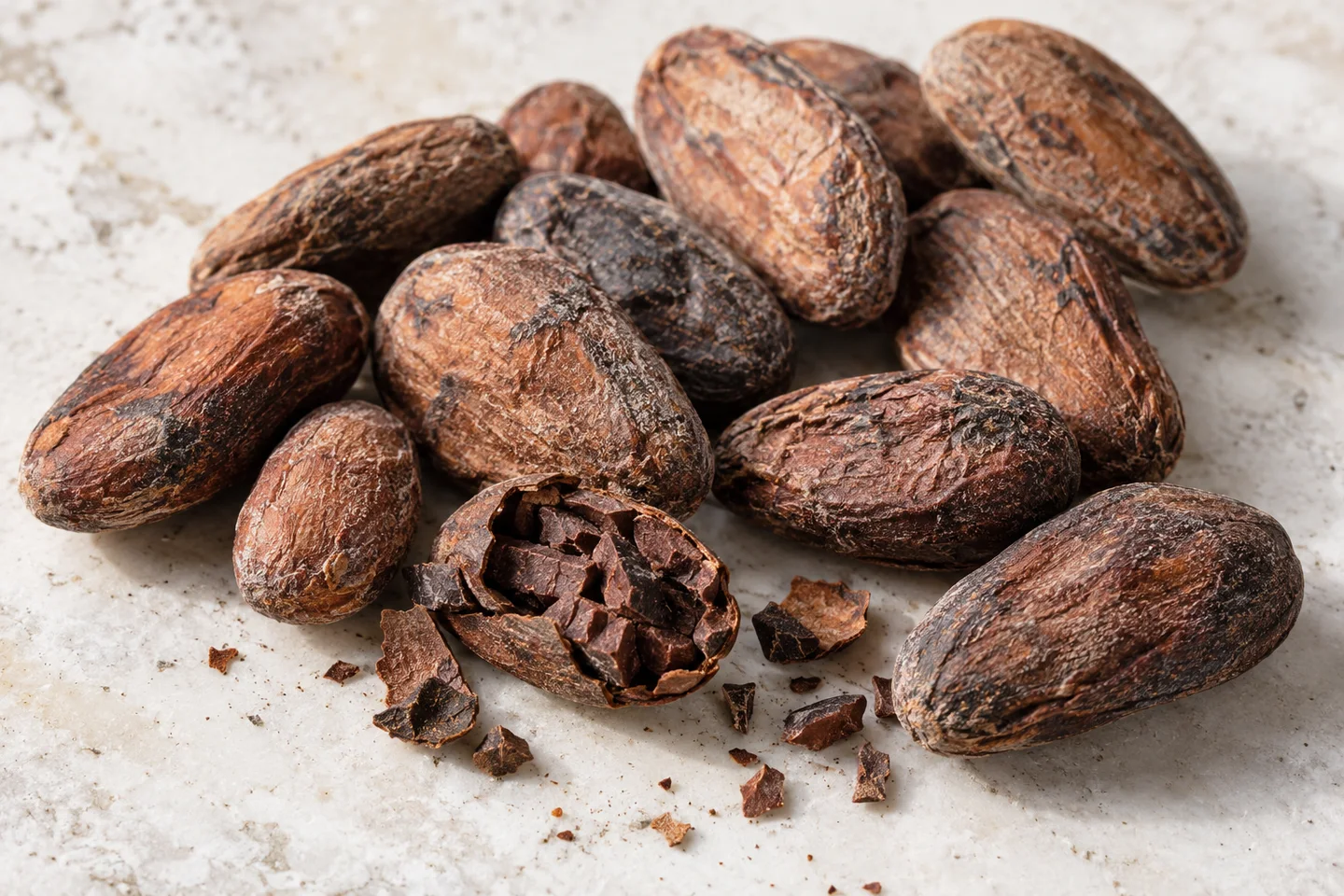
It begins before
the first roast.
A chocolate bar carries the work of growers and makers. The factory journey begins with beans that have already been fermented and dried.
Enter the 3D journeyFrom bean to packaging
The process, step by step.
01
Before the factory
Cocoa beans are fermented and dried after harvest. This upstream work matters to the flavour that develops later.
Continue to the factory02
Sorting & roasting
Cleaned beans enter the roast. The roast profile is chosen for the cocoa and the flavour the maker wants to develop.
Explore this stage in 3D03
Cracking & winnowing
The roasted beans are cracked. Separation removes the lighter shell and retains the nib for the next stage.
Explore this stage in 3D04
Grinding
The nibs are ground into cocoa mass. Cocoa butter released during grinding helps turn particles into a paste.
Explore this stage in 3D05
Mixing, refining & conching
Recipe ingredients are combined. Refining reduces particle size; conching develops the mixture’s flavour and texture.
Explore this stage in 3D06
Tempering
Controlled cocoa-butter crystallisation helps create a glossy surface, a firm snap and easier release from the mould.
Explore this stage in 3D07
Moulding & cooling
Chocolate is deposited into moulds, settled and cooled. The formed bars can then be released.
Explore this stage in 3D08
Inspection & packaging
The bars are checked and wrapped. Packaging protects the product and gives it its final presentation.
Explore this stage in 3D
Process overview informed by the International Cocoa Organization and Callebaut’s tempering guidance. Equipment, recipes, temperatures and processing times vary.
About MELT
A concept you can step into.
MELT is a fictional chocolate-making experience by Digital Alta. The 3D equipment illustrates the process; it is not an engineering simulation or a representation of a specific operating factory. Supporting food imagery is AI-generated.
Performance and accessibility
The scene runs in your browser using WebGL. Use the chapter buttons instead of scrolling whenever you prefer. Reduced-motion settings switch to explicit chapter navigation. If 3D is unavailable, this guide remains readable without it.